Veppa Overlay Clock
A downloadable tool
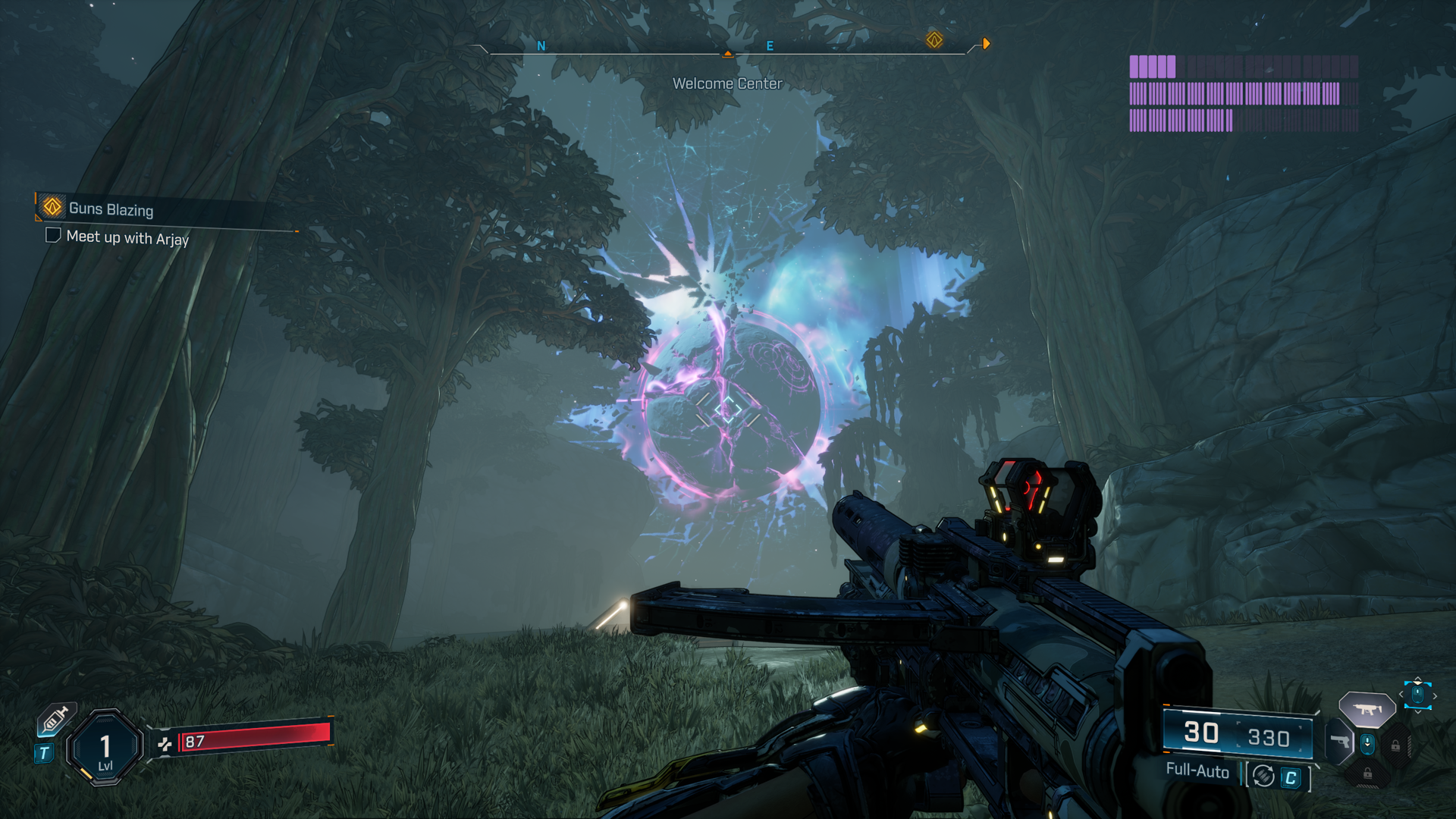
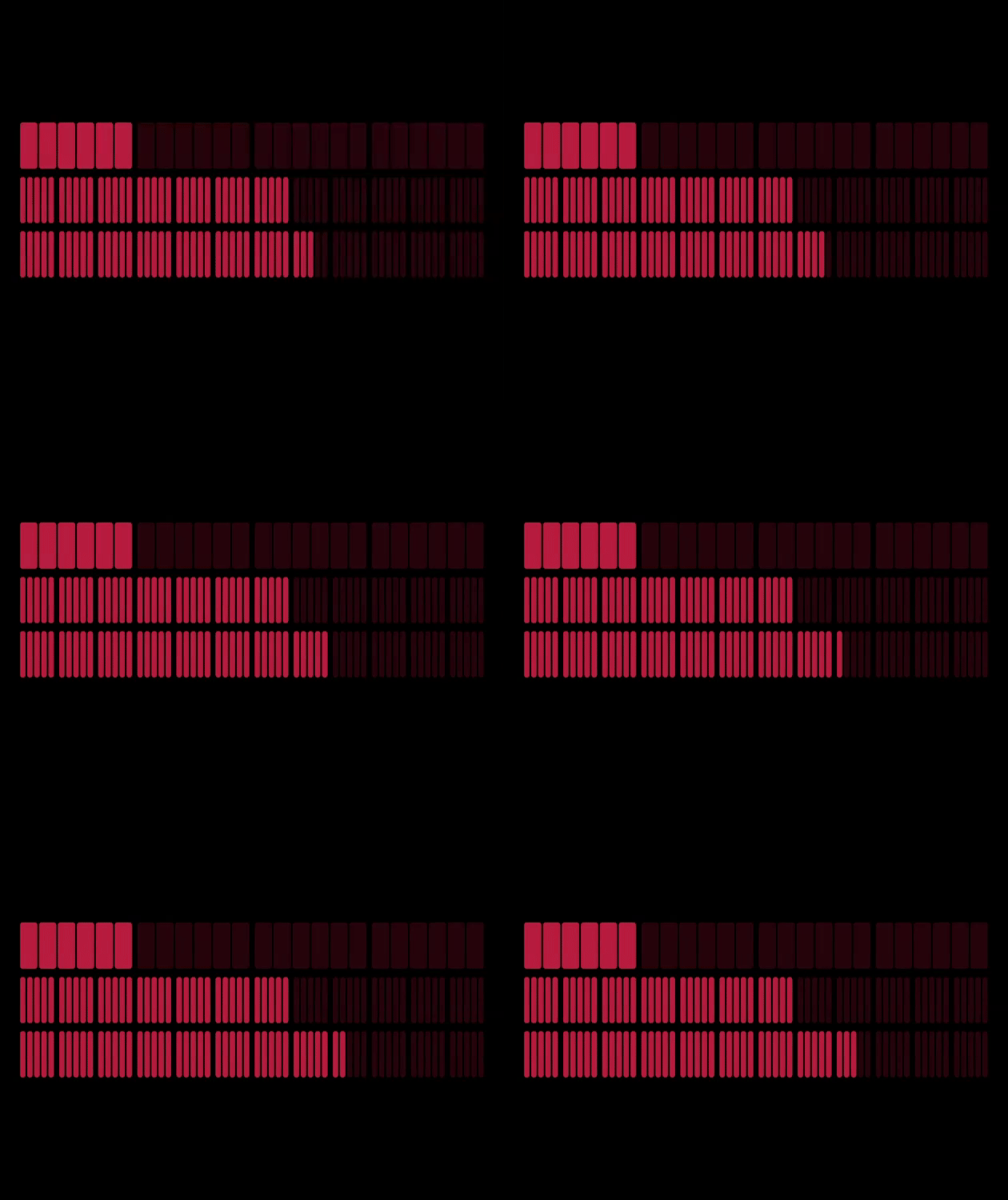
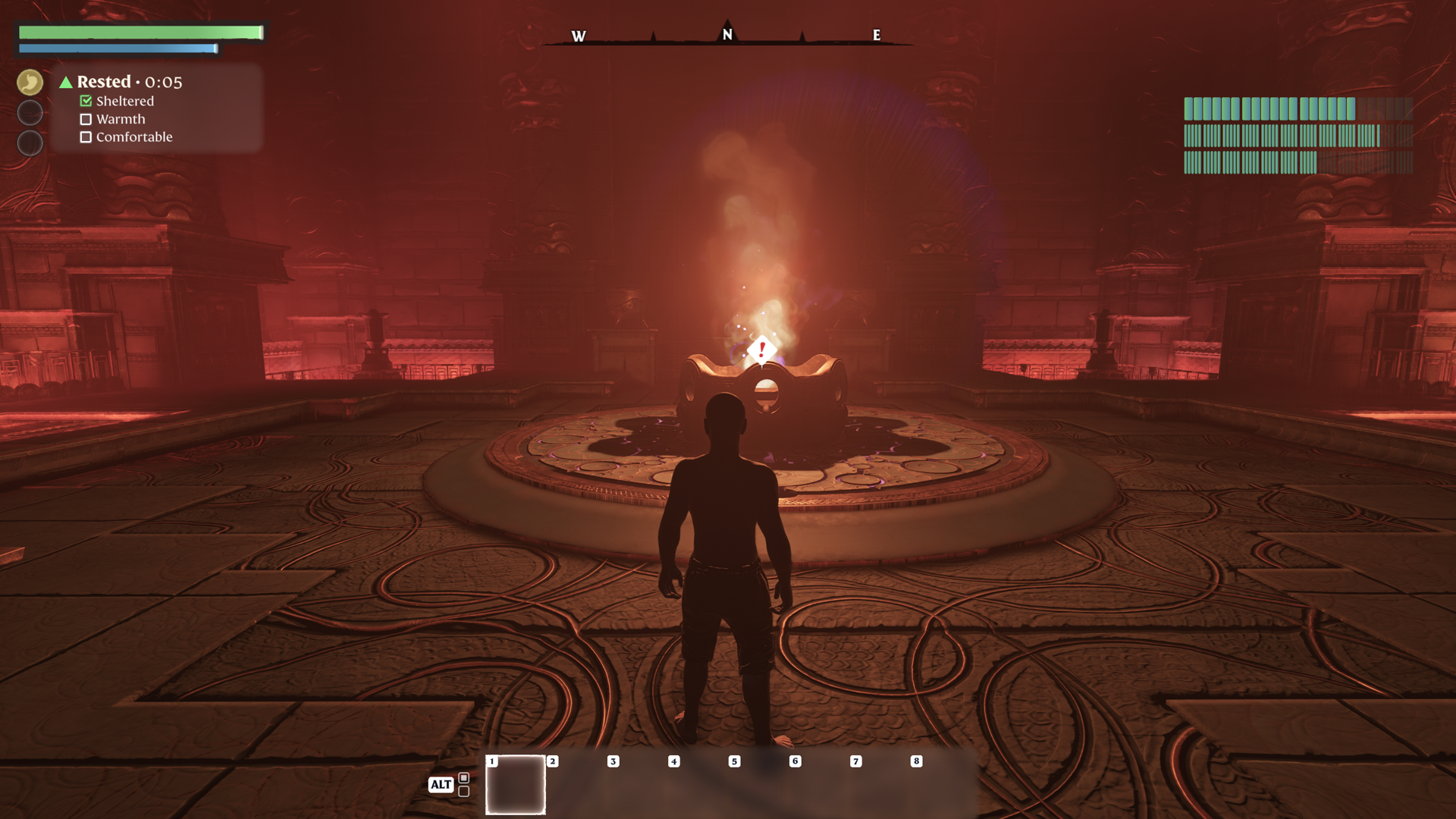
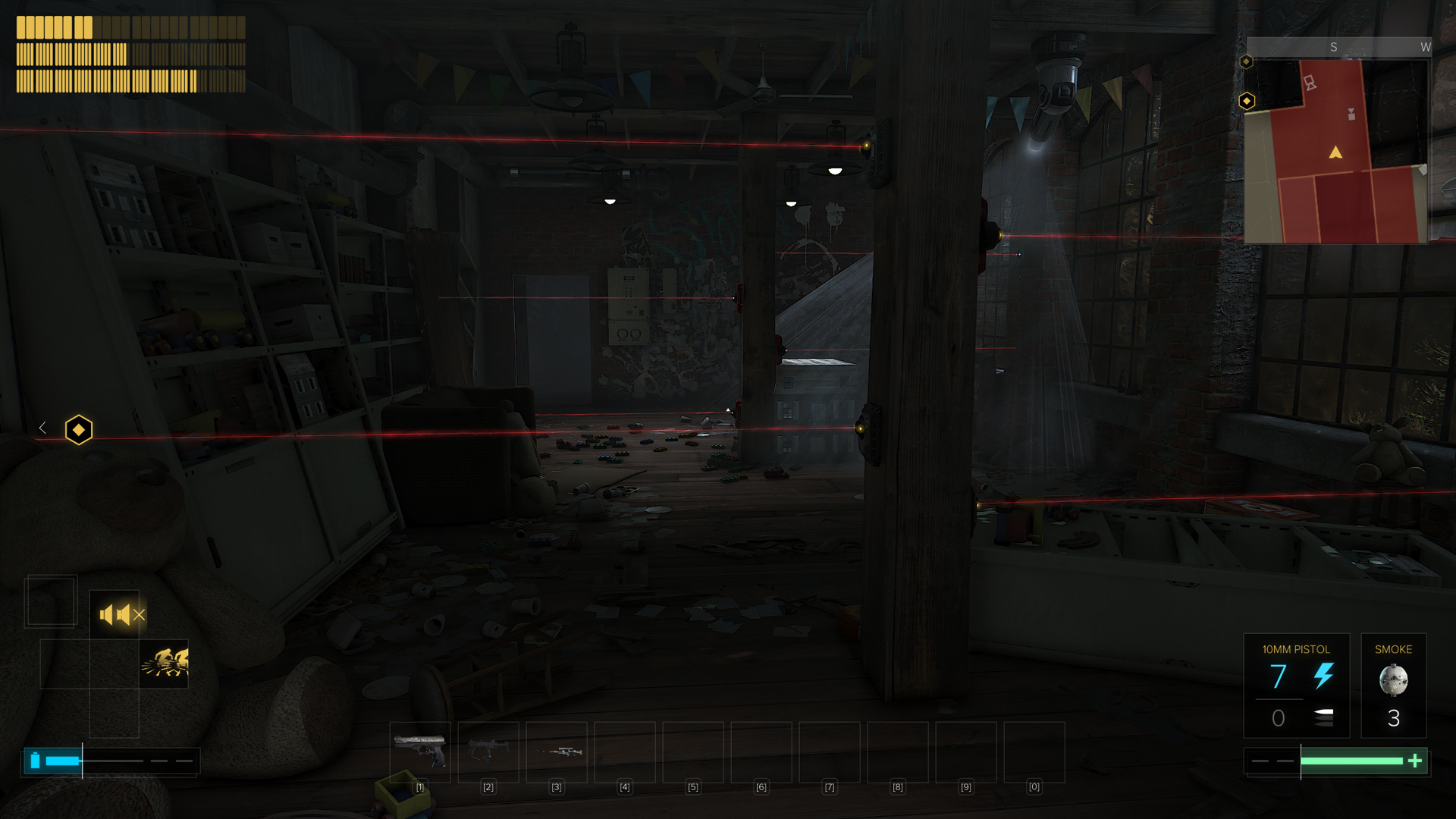
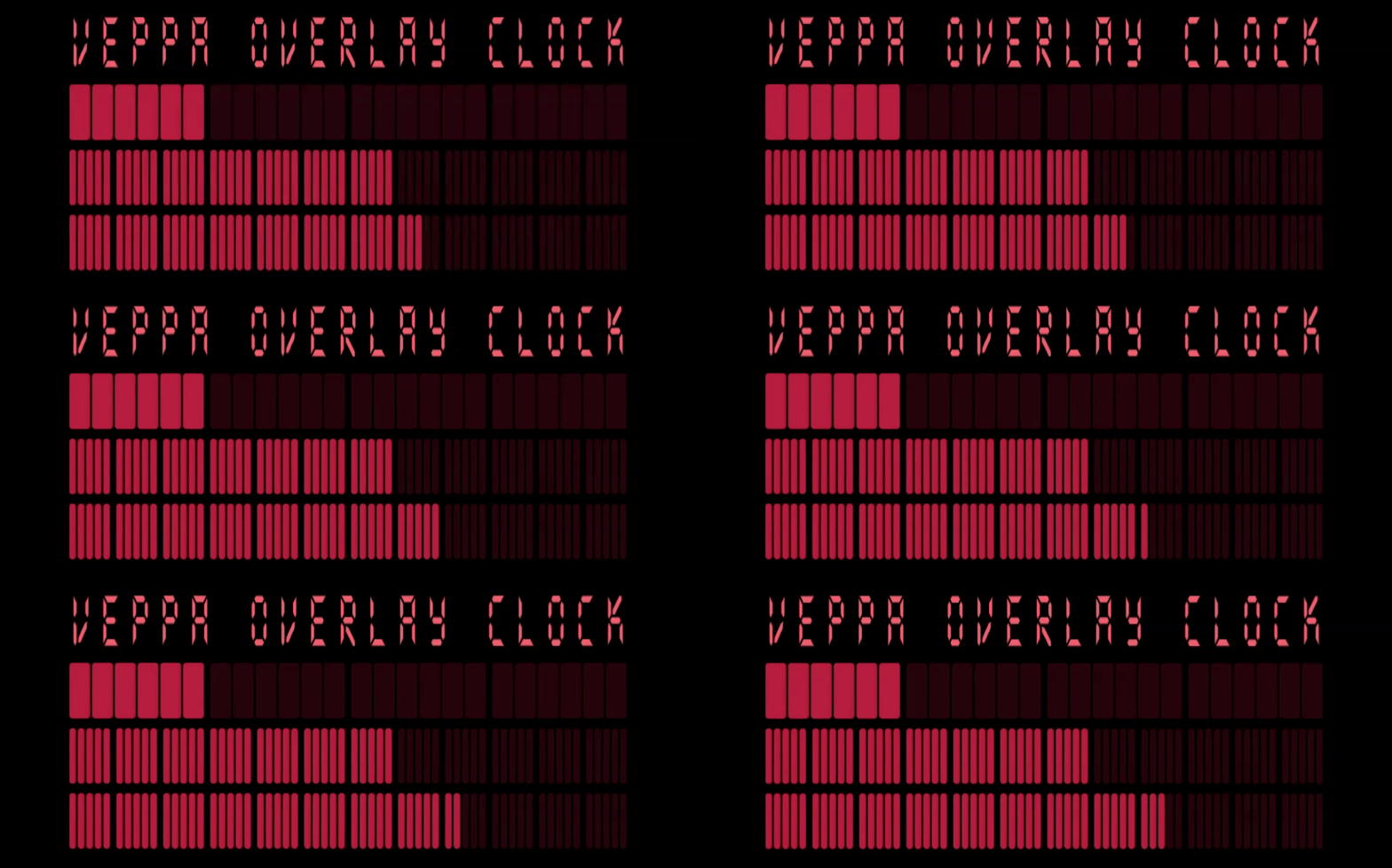
A minimalist block-based clock overlay for modern streamers and creators.
Fully customizable with rotation, gradient, border and color controls.
Designed for OBS and any software that supports browser sources.
Display Requirements
Recommended canvas: 1920×1080 or larger
Rotation mode requires 1920×1080+
Setup (OBS)
-
Add a Browser Source
-
Set Width: 1920
-
Set Height: 1080
-
Check “Local file”
Select the included HTML file
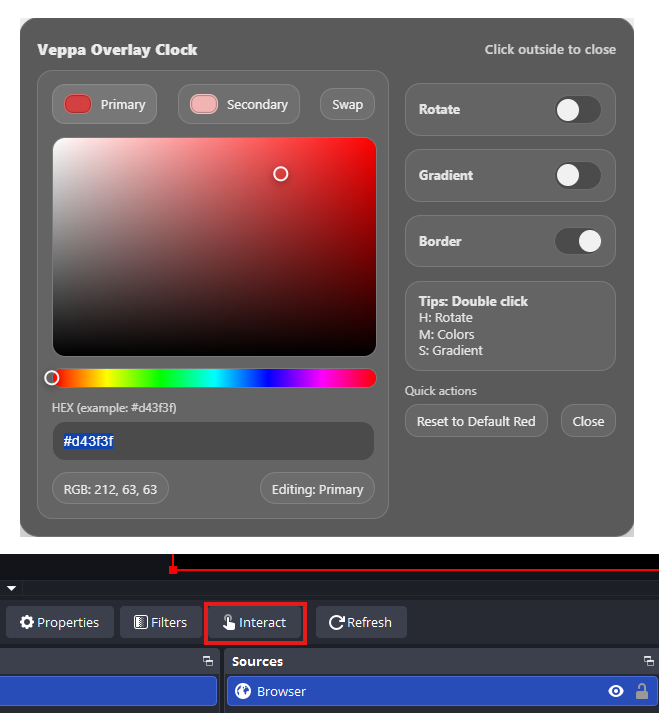
Click the Interact button
Double-click:
• Hours row → Rotate (horizontal / vertical)
• Minutes row → Open color panel
• Seconds row → Toggle gradient
You can freely scale and position the overlay after adding it.
Compatible with OBS and any software that supports browser sources.
Features
• Dual orientation (horizontal / vertical)
• Custom color picker (Primary & Secondary)
• Gradient toggle
• Border toggle
• Draggable color panel
• Clean, minimal UI. No visible controls during stream
Purchase
In order to download this tool you must purchase it at or above the minimum price of $2.99 USD. You will get access to the following files: